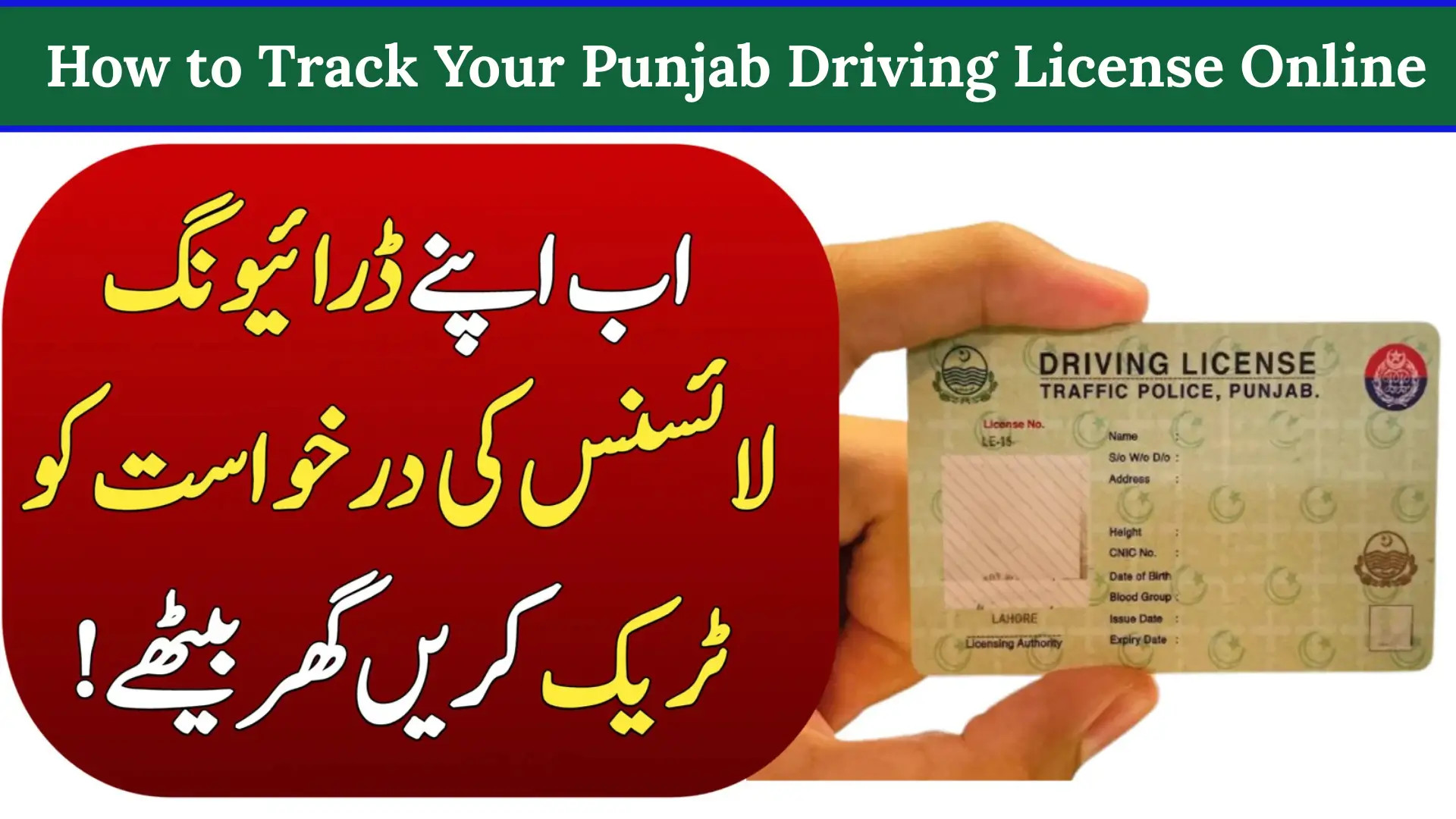

Track Your Punjab Driving License. Waiting for your Punjab driving license can feel stressful, especially when you don’t know where your application stands. The Driving License Issuance Management System (DLIMS Punjab) makes this simple. With your 13-digit CNIC, you can check if your license is received, verified, approved, printed, dispatched, or delivered all in seconds.
This guide explains exactly how to track your driving license on dlims.punjab.gov.pk, what each status means, how long the process normally takes, and what to do if your license is delayed.
How DLIMS Tracking Works
| Task | What You Need to Do |
|---|---|
| Visit Website | Open dlims.punjab.gov.pk (official DLIMS portal). |
| Select Tracking | Click “Track License” on the homepage. |
| Enter CNIC | Add your 13-digit CNIC without spaces (e.g., 3520123456789). |
| Get Status | Tap Track to view your current license status instantly. |
What Is DLIMS Tracking & Why It Matters
DLIMS Punjab is an official digital system launched by the Punjab Government and Punjab Traffic Police. It helps citizens:
- Check the real-time status of driving license applications
- Track new, renewal, duplicate, or lost license requests
- Confirm whether the license is approved, printed, dispatched, or delivered
- Verify license authenticity through CNIC
- Access e-license / learner license details
Because the system is connected to Punjab’s official licensing database, the information you see is accurate and updated.
How to Track Your Punjab Driving License Online
1. Visit the Official DLIMS Website
Open your browser and go to: https://dlims.punjab.gov.pk

This is the official platform where all Punjab driving license services are available.
2. Click on “Track License”
On the top menu, select Track License.
This opens a simple one-field form for tracking.
3. Enter Your CNIC Number
Type your 13-digit CNIC without any hyphens or spaces.
Example: 3520123456789.

4. Click the “Track” Button
Press Track to pull your application details from the live DLIMS database.
5. Review the Status
You may see one of the following:
- Application Received
- In Process
- Approved
- Printing
- Dispatched
- Delivered
If your status shows Delivered, your card is ready for pickup or already on the way.
What Each DLIMS Status Means (Simple Explanation)
| Status | Meaning |
|---|---|
| Application Received | DLIMS has received your license request. |
| In Process | Verification or testing checks are still ongoing. |
| Approved | Your application is approved for printing. |
| Printing | Your license card is being printed. |
| Dispatched | The card has been handed to courier or licensing center. |
| Delivered | Your license is ready to collect or has already been delivered. |
How Long DLIMS Punjab Processing Takes
Processing time depends on license type:

| License Type | Normal Processing Time |
|---|---|
| Learner License | Instant (if documents are correct) |
| Permanent Driving License | 7–15 working days |
| Renewal License | 5–10 working days |
| Duplicate / Lost License | 5–10 working days |
Delays may occur during heavy printing load, verification issues, or technical maintenance.
DLIMS Tracking Not Working? Try These Fixes
Sometimes the portal might not load or return an error. Try:
- Refresh the page
- Check your internet connection
- Use another browser (Chrome works best)
- Clear cache and cookies
- Re-enter CNIC without hyphens
- Try again after 10–15 minutes (system updates)
DLIMS Punjab Helpline & Contact Details
For complaints or tracking issues, use these official contacts:
- Traffic Police Helpline: 15
- DLIMS Punjab Office: 042-99202892
- Email: info@dlims.punjab.gov.pk
You can also visit your nearest Traffic Police Licensing Center for manual verification.

What To Do If Your License Is Delayed or Stuck
Here are common scenarios and solutions:
Status stuck at “Printing”
This usually means printing backlog. Wait 2–4 extra days.
Status shows “Delivered” but you didn’t receive the card
Visit your local licensing center with CNIC or call the helpline.
Lost card or wrong dispatch location
Request a duplicate at the nearest center.

Tracking shows “No Record Found”
Your application may still be in manual verification. Check again after 24 hours.
Conclusion
Tracking your Punjab driving license on dlims.punjab.gov.pk takes less than a minute. Just enter your CNIC and the system shows your exact status — whether it’s approved, printed, dispatched, or delivered.
This digital facility saves you time, avoids unnecessary office visits, and gives you full transparency of your application process. Keep checking until you see Delivered, and use the helpline if any delay occurs.