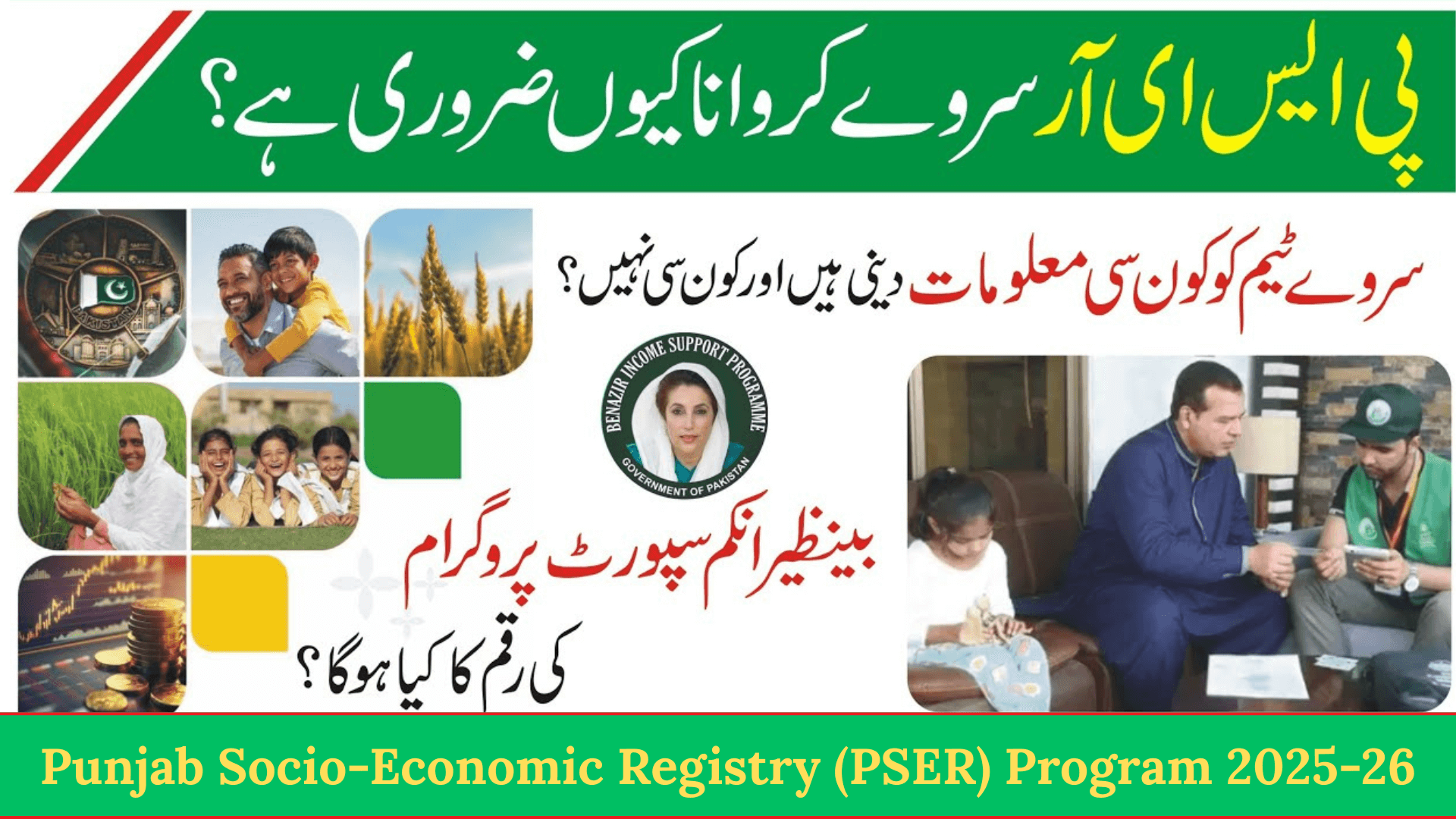

Punjab Socio-Economic Registry (PSER) Program. The Punjab Socio-Economic Registry (PSER) is an important government initiative designed to identify and support underprivileged families across Punjab.
Through this program, the Punjab government collects accurate household data to ensure that financial aid and welfare schemes reach the right people.
If you want to benefit from future government assistance programs, PSER registration is essential.
What Is Punjab Socio-Economic Registry (PSER)?
The Provincial Socio-Economic Registry (PSER) is a digital database created to assess the living conditions of households in Punjab.
The government uses this data to:
- Identify low-income families
- Improve transparency in welfare distribution
- Ensure fair selection for subsidies and relief programs
A province-wide prosperity survey is conducted under PSER to collect household-level information.
Why PSER Registration Is Important
PSER registration helps the government decide eligibility for:

- Cash assistance programs
- Subsidies and relief schemes
- Social protection initiatives
- Future poverty alleviation projects
Without PSER data, families may miss out on government benefits.
Ways to Register for PSER in Punjab
You can register through two official methods:
1. Online Registration
You can register online using the official PSER portal.
2. Registration Centers
The Punjab government has set up over 5,000 PSER registration centers across the province.
You can visit your nearest center for assistance if you cannot apply online.
How to Register Online on PSER Portal
Follow these steps carefully:

- Visit the official PSER website
- Enter your full name
- Provide your CNIC number
- Select your mobile network
- Enter your mobile number
- Add your email address (if available)
- Create a secure password
- Re-enter the same password for confirmation
- Click on the Register button
Once registered, you can log in anytime to submit or update your application.
How to Apply for PSER Program After Registration
After logging in, start a new application and complete each section honestly.
1. New Application & Declaration
- Click on New Application
- Read the declaration carefully
- Confirm that all information provided is true and correct
2. Head of Family Information
- Enter the name of the family head
- Provide the CNIC number
- Confirm gender and date of birth
3. Health Status Details
You must declare health conditions honestly.
Select Yes if any family member has:
- Upper limb disability
- Lower limb disability
- Mental disability
- Speech impairment
- Hearing disability
- Visual impairment
- Chronic illness
This information helps in disability-based support programs.

4. Education Status
Provide accurate education details:
- Can you read a simple sentence or not
- Highest level of education completed
- If never attended school, select the correct reason
Education data helps assess household vulnerability.
5. Employment and Income Information
You must provide:
- Main source of income
- Nature of work
- Last month’s income in Pakistani rupees
- Average monthly cash income
Also share:
- Bank name
- Bank account number
If you do not have a bank account, select No.

6. Contact Information
Provide two active mobile numbers:
- Include mobile network for each number
- Ensure numbers are reachable
These numbers are used for verification and updates.
7. Current Address Details
Enter:
- Province
- Union Council
- City or village name
- Urban or rural status
- Complete current address
8. Permanent Address Information
Provide:
- Province
- Union Council
- City or village
- Urban or rural classification
- Permanent residential address
9. Asset Information (Very Important)
This section plays a major role in eligibility assessment.

You must declare:
- Ownership of your house
- Wall construction material
- Roof material
- Residential condition
- Total household members
- Cooking fuel type
Also include:
- Toilet facility type
- Drinking water source
- Electricity connection (own or shared)
10. Livestock and Property Details
Mention if any family member owns:
- Cow
- Goat
- Buffalo
- Horse
- Other livestock
Also declare:
- Agricultural land ownership
- Size of land
- Any property or asset owned during the year
- Transport items (bike, car, tractor, etc.)
11. Agricultural Information
If you own agricultural land:
- Select Yes
- Choose cultivation type
- Own cultivator
- Contract cultivator
- Shared cultivator
- Enter land size
12. Miscellaneous Information
Answer honestly:
- Does any family member receive government financial aid
- Has the family experienced child death in the past year
- Access to mobile or internet
- Impact of natural disasters in the last five years
Important Tips for PSER Applicants
- Always provide true information
- Incorrect data may lead to disqualification
- Keep CNIC and mobile number active
- Update information if circumstances change.
Conclusion
The Punjab Socio-Economic Registry (PSER) is a vital step toward fair and transparent welfare distribution in Punjab.
By registering and providing accurate household data, families increase their chances of receiving future government assistance. Whether you apply online or through a registration center, completing your PSER application honestly ensures that support reaches those who truly need it.