
How to Upload Your Picture for NADRA CNIC. Getting a perfect photo on your NADRA ID card is something everyone wants. Most people feel their ID card photo taken at NADRA centers looks dull, blurred, or simply unattractive. But NADRA has now introduced a major update for 2025 – you can upload your own picture online while applying for a new CNIC, Smart Card, modification, or renewal.
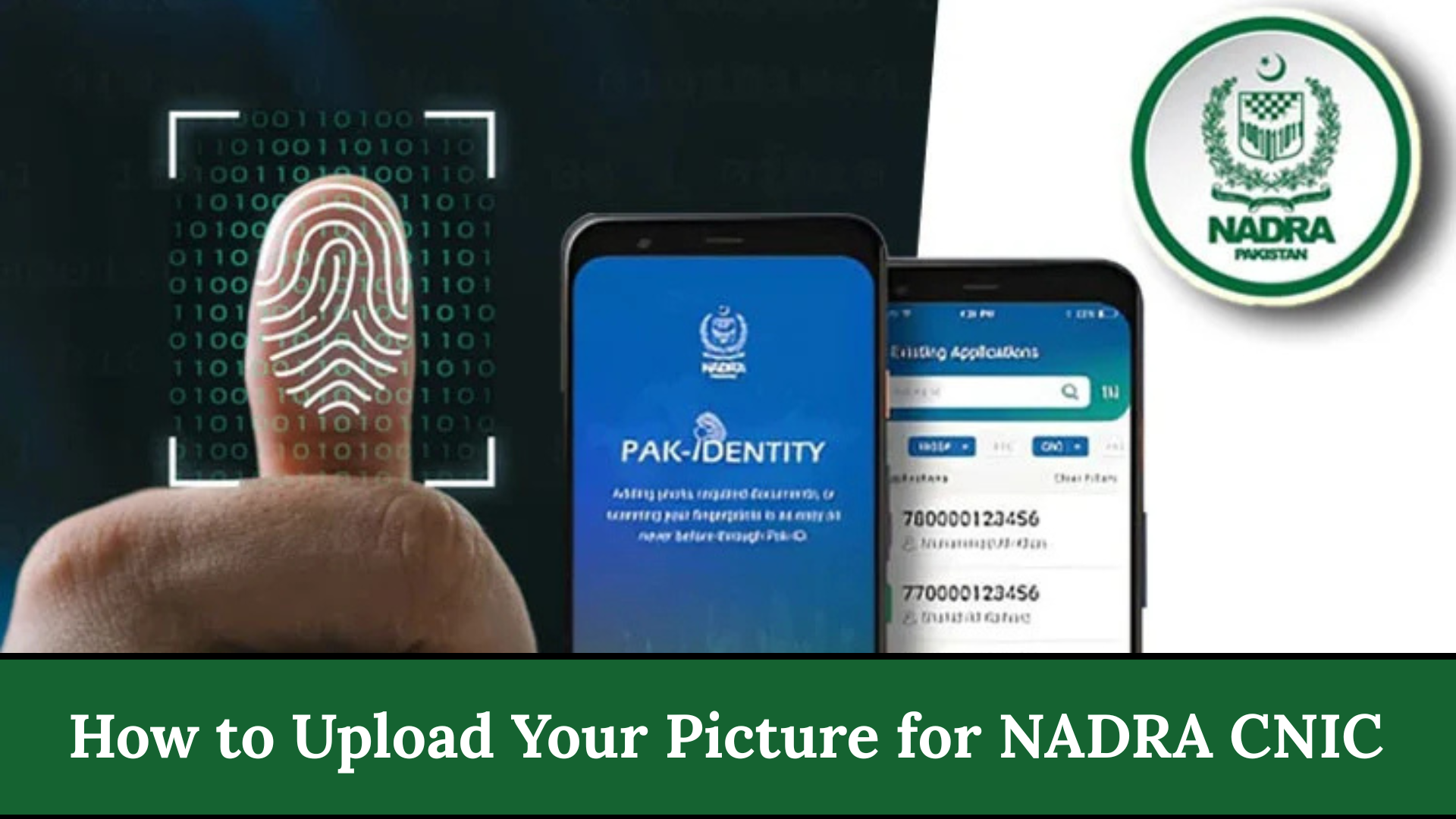
This new feature is available through the official NADRA portal and the Pak Identity mobile app. It gives you full control to use a clean, HD-quality photo that represents you better.
NADRA ID Card Photo Requirements (2025)
| Feature | Information |
|---|---|
| Photo Background | White or light blue |
| Required Size | 35×45 mm |
| Digital Format | High-resolution JPEG |
| Submission Method | Online via portal or app |
| App Name | Pak Identity |
| Tracking Method | SMS to 8400 |
| Processing Options | Normal, Urgent, Executive |
| Official Source | NADRA official website |
Why NADRA Allows Photo Upload Now?
For years, applicants complained that photos taken at NADRA centers were:
- Too dark
- Blurry
- Low quality
- Taken in a rush
To improve user experience and reduce center workload, NADRA now allows applicants to upload a properly taken photograph from home. This update is confirmed through NADRA’s official announcements and verified online sources.

How to Prepare Your Photo for NADRA CNIC?
Before uploading, make sure your picture meets NADRA standards:
- Background: White or light blue only
- Face Position: Look straight at the camera
- No Extra Accessories: No caps, hats, scarves (unless medically required)
- Lighting: Proper lighting with no shadows
- Size: 35×45 mm (passport-style photo)
- Resolution: Sharp and clear — no filters or editing
A correct photo helps avoid rejection and speeds up processing.
How to Apply Online for NADRA ID With Your Own Picture?
Here is the official step-by-step process, written for beginners:

Step-by-Step Application Process (2025)
- Visit the official NADRA Portal or open the Pak Identity App
- Create an account or sign in
- Select your service: New CNIC / Renewal / Modification
- Enter your personal data
- Upload your prepared high-quality photo
- Upload required documents (if asked)
- Pay the online fee using debit card, credit card, or digital payment
- Submit your application
- Receive a Tracking ID via email/SMS
- Use the tracking ID to check your card status until delivery
Photo Upload Mistakes People Frequently Search About
Below is your mandatory second table, placed in the middle of the article for SEO benefits:
| Common Problem | Reason |
|---|---|
| Photo rejected | Wrong background or poor quality |
| Face unclear | Shadows or poor lighting |
| Wrong size | Not resized to 35×45 mm |
| Blurry picture | Low-resolution camera |
| Bright background | Not allowed by NADRA |
| Filtered picture | Beautified or edited photo |
| Covered head | Not allowed unless medically justified |
| Wrong format | Must be JPEG |
Important Rules You Must Follow During NADRA Online Application
1. Photo must be real, clear, and unedited
NADRA immediately rejects filtered, beautified, or Photoshopped images.
2. Your details must match the CNIC database
Incorrect spellings, wrong dates, or mismatched information cause delays.

3. Use only the official NADRA portal or Pak Identity app
Avoid third-party agents or fake websites.
4. Use a high-quality camera or device
Low-quality or pixelated photos often get rejected.
Which Issues Can Delay Your NADRA Card in 2025?
While NADRA has improved the system, delays may still occur due to:

- Incorrect photo size or background
- Payment not updated
- Missing documents
- Fingerprint verification issues
- Wrong spellings or mismatched data
How to Check NADRA ID Tracking Status Online?
Tracking your CNIC is now easier:
Method 1: Through NADRA Website
- Visit the NADRA tracking page
- Enter CNIC or Tracking ID
- Check status: Pending, Under Review, Printing, Dispatched
Method 2: Via SMS
Send your CNIC number to 8400
Method 3: Via Pak Identity App
Open the app → Go to Track Application → See real-time updates

NADRA Helpline & Contact Information
| Service | Contact |
|---|---|
| NADRA Helpline Pakistan | 1777 (for mobile users) |
| UAN | 051-111-786-100 |
| info.pakid@nadra.gov.pk | |
| Official Website | nadra.gov.pk |
| SMS Tracking | Send CNIC to 8400 |
These official channels are the safest way to get help for photo upload issues or application delays.
FAQs
Q1: Can I take the NADRA photo using my phone?
Yes. A good mobile camera works perfectly if the lighting is correct and the image is clear.
Q2: Do I have to pay an extra fee for uploading my own picture?
No. The photo upload feature is completely free.
Q3: Can I change my picture later?
Yes, during renewal or modification, you can upload a new photo.
Q4: What if NADRA rejects my uploaded picture?
You will be notified to upload a new photo. Fix the lighting and background before reuploading.
Conclusion
The 2025 NADRA photo upload feature is a game-changer for millions of Pakistanis. Now you can use a clear, high-quality picture for your CNIC without depending on NADRA center photography. By following the official rules, preparing your photo properly, and tracking your ID online, you can enjoy a smooth, fast, and hassle-free experience.