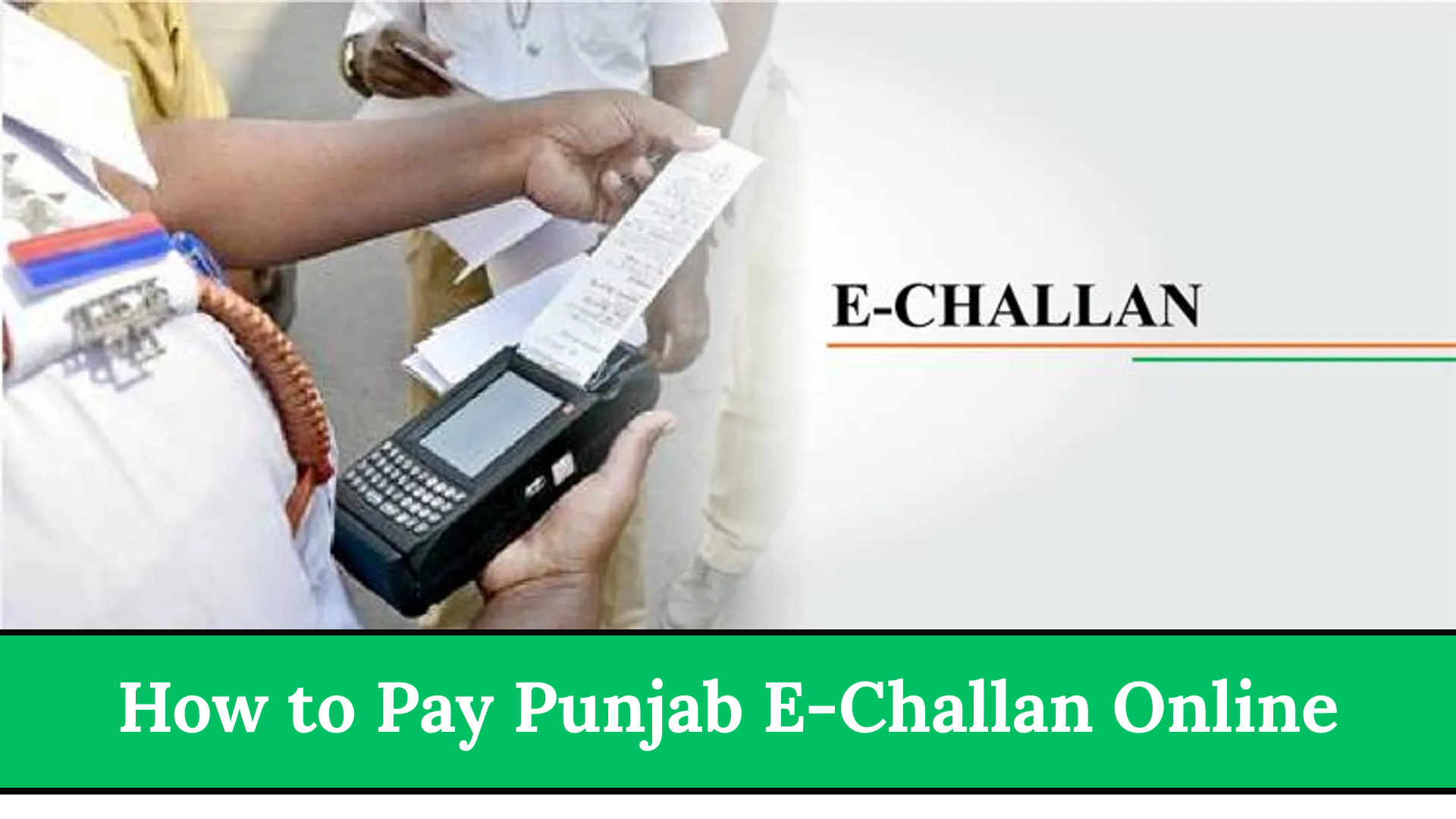

How to Pay Punjab E-Challan Online. The Punjab e-Challan system has made it extremely easy for citizens to check and pay traffic fines from home. You no longer need to visit banks, traffic police offices, or stand in long lines. With just your mobile phone or computer, you can check your fine amount, download the challan, and pay it instantly.
This simple guide explains every step so clearly that even a first-time user can pay their Punjab e-Challan online without any confusion.
Quick Information Table
| Program Name | Start Date | Status | Fine Amount | Payment Methods |
|---|---|---|---|---|
| Punjab E-Challan System (PSCA) | 2018 onwards | Active | Based on violation | Online via PSCA website, JazzCash, Easypaisa, Banking Apps |
What Is the Punjab E-Challan System?
The Punjab e-Challan system is a digital traffic fine management system launched by the Punjab Safe Cities Authority (PSCA). Smart cameras installed in cities like Lahore, Rawalpindi, Faisalabad, Multan, and Gujranwala automatically detect violations such as:
- Signal jumping
- Over speeding
- Wrong U-turn
- Lane violation
- Driving without a helmet
- Parking in no-parking zones
Once a violation is recorded, a challan is issued automatically based on your vehicle’s registration number.

Why the Punjab E-Challan System Is Important
- Enhances road safety
- Reduces bribery and human error
- Helps citizens track challans instantly
- Saves time by reducing visits to traffic offices
- Ensures secure digital and online payments
How to Check Your Punjab E-Challan Online
Before paying the fine, you must check the details of your challan.
Step-by-Step Method
- Open your mobile or computer browser.
- Visit the official PSCA website:
https://echallan.psca.gop.pk/ - Enter your Vehicle Registration Number.
- Enter CNIC (optional).
- If you already know your PSID, enter it.
- Click Search.
- Your challan details will appear, including the date, time, location, and fine amount.
- Click Download PDF to save or print the challan.
If Your Challan Is Not Showing
- You may have entered the wrong vehicle number.
- Your number plate may not match the excise record.
- Payment from a previous challan may still be processing.
Try again after a few minutes or recheck your vehicle number.

How to Pay Punjab E-Challan Online
Citizens can easily pay their e-Challan using any of the following:
- Easypaisa
- JazzCash
- Internet Banking / Mobile Banking Apps
Below are step-by-step guides for each method.

Pay Punjab E-Challan Through Easypaisa
Step-by-Step Payment Method
- Open the Easypaisa app.
- Tap Bill Payments.
- Select Traffic Challan.
- Choose Punjab Safe Cities Authority (PSCA).
- Enter your PSID number.
- The challan amount will appear.
- Tap Pay Now.
- You will receive an Easypaisa receipt and SMS confirmation.
Important Tip:
Always take a screenshot of your payment receipt.
Pay Punjab E-Challan Through JazzCash
Step-by-Step Payment Method
- Open the JazzCash app.
- Tap Bill Payments.
- Select Traffic Challan.
- Choose Punjab E-Challan (PSCA).
- Enter your PSID.
- Confirm the challan amount.
- Tap Pay.
- JazzCash will send you a confirmation SMS.
Retailer Payment Option
If you don’t have the app, you can pay through any JazzCash retailer using your PSID.

Pay Punjab E-Challan Through Bank Apps
Almost all major Pakistani banks support e-Challan payments, including:
- HBL
- UBL
- Meezan Bank
- MCB
- Bank Alfalah
- Allied Bank
Steps
- Open your bank’s mobile app.
- Go to Bill Payments.
- Select Traffic Challan / PSCA.
- Enter your PSID number.
- Confirm payment.
- Save the digital receipt for proof.
How to Confirm If Your Challan Is Paid
Follow these steps to check your payment status:

- Visit echallan.psca.gop.pk
- Enter your vehicle number or PSID
- If the challan disappears from the list → Your payment is successful
- If it still shows, wait up to 24 hours
- If unpaid even after 24 hours, call the traffic helpline and provide your receipt
What Happens If You Do Not Pay Your Challan?
- Your vehicle may be blacklisted
- Traffic police can stop your vehicle anytime
- You cannot transfer or sell your vehicle
- Token tax renewal may be blocked
- Legal action can be taken
Paying on time helps you avoid major issues.
Conclusion
The Punjab e-Challan system has made traffic fine payments fast, secure, and convenient for citizens. With Easypaisa, JazzCash, and banking apps, you can now pay your e-Challan from home in just a few minutes. This guide covered everything from checking your challan to paying it and confirming your payment. You now have all the information you need in one place.